


Jam sync timecode means every camera on the shoot and my recorder get set to the exact same running clock, so the audio and the picture drop into place against each other in the edit instead of getting matched up by hand. It's a couple of minutes per camera at the start of the day, and we do it again later on, because clocks drift apart.
I've been recording location sound full time since 2008, and on most of my Florida shoots this is the least dramatic thing that happens all day. Camera hands me the bodies, I jam them, everybody goes to work. Nobody thinks about it again until the footage lands on an editor's timeline and falls exactly where it belongs.
The question underneath it is usually the same one: do we actually need that? So here's the plain version, plus the part nobody explains, which is what skipping it costs you.
Why there are two recordings in the first place
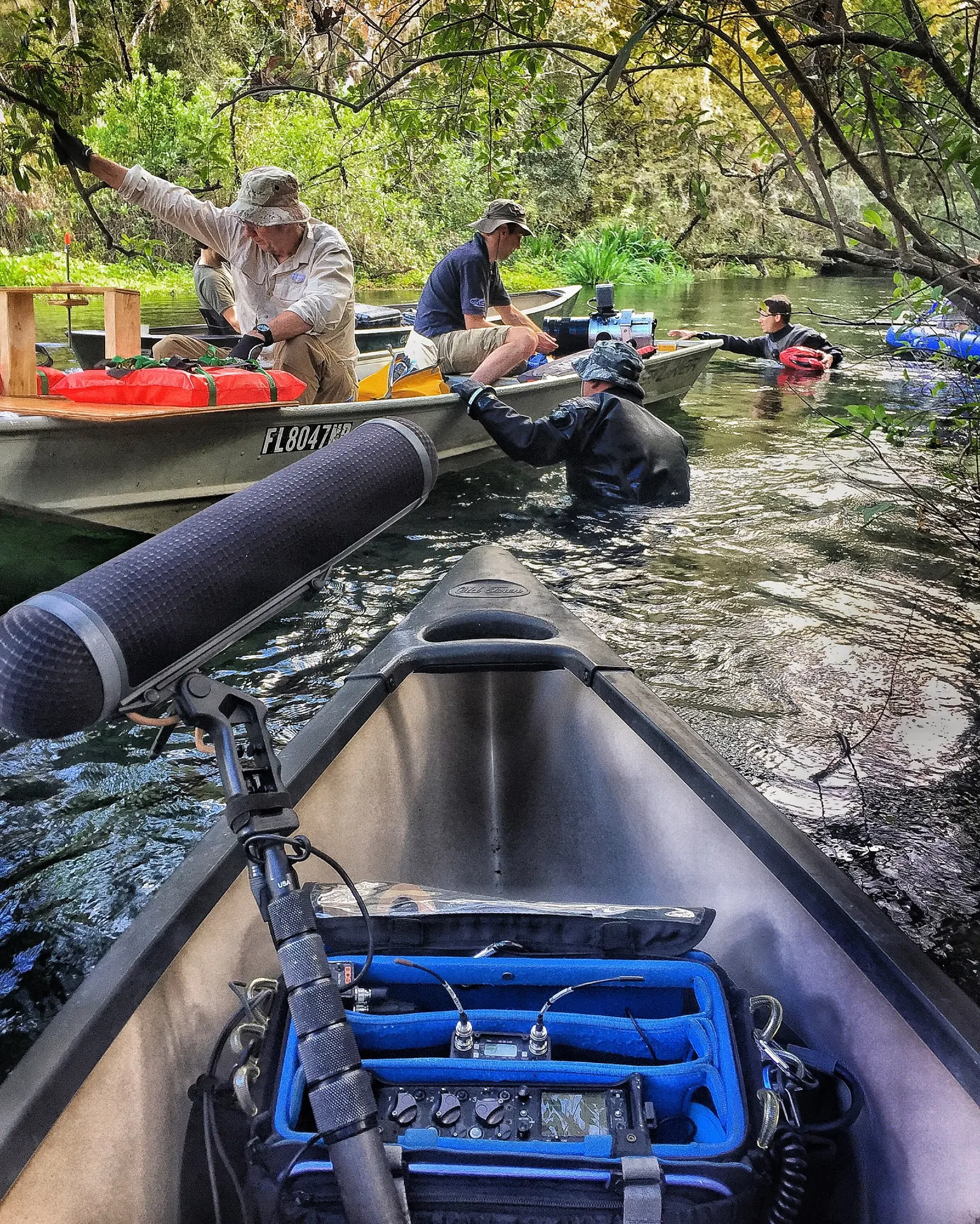
Put a sound mixer on the job and you're running double system sound. The camera records its own audio, and I record a separate set of tracks on my own machine, a Sound Devices 833: multiple isolated tracks plus a mix, with a backup recording running to a second card the whole time.
That isn't why a mixer is a line on your call sheet. You hire one because somebody has to place the microphones, ride the levels and be responsible for how the dialogue sounds when it gets to post. Double system is just where that work ends up living: on a recorder built for it, instead of as an afterthought inside a camera.
So you get better sound, and you also get two piles of media that have to be married back together. Timecode is how they find each other.
What jam syncing actually is
Here are the words people throw around, in plain language.
- Timecode: a running clock stamped into every file as hours, minutes, seconds and frames. It isn't a file name and it isn't a note in a log. It's baked into the recording.
- Jam sync: copying that clock from one device into another so they run in step. You jam a camera off the recorder, or jam a small box and hang it on the camera. After that, both agree on what time it is.
- Timecode generator, also called a timecode box: the device that makes and holds the clock. Mine are Tentacle Sync. That's all it is, a very stubborn watch.
- Free run: the clock ticks all day whether or not anything's rolling. That's what you want on documentary, interviews and any multi-camera day.
- Record run: the clock only advances while a camera is rolling. It comes out of single-camera work, where the camera's own clock is the only one anybody has to care about. Once there's a second angle and a separate recorder, free run is what keeps everything on the same page.
- Drift: no two clocks run at exactly the same speed. Give them a full day and they separate. Re-jamming resets them.
Why the sound guy wants your cameras at call time
That's the jam. I run a cable from my recorder to each camera and set its clock, or I mount a timecode box on the camera and leave it there for the day. Which one depends on the body.
- Cameras with a timecode input: I jam the camera directly, unplug, done. It holds the clock until somebody pulls the battery, and then it needs a re-jam.
- Cameras without one, which covers a lot of mirrorless bodies, gimbal rigs and crash cams: a box rides on the camera and feeds timecode into an audio input, and post pulls it back out. Fiddlier, same result.
- The re-jam: partway through the day I'll want the cameras again for a top-up. That's drift, plus the fact that somebody always swaps a battery.
It's a couple of minutes per camera, done before anybody is waiting on anything. That's the whole imposition, and it's why I ask for the bodies at call time rather than chasing them once you're rolling.
Do I need a timecode generator?
If you're hiring a sound mixer, no. You don't rent anything. The boxes, cables and mounts come with me, and jamming your cameras is part of the day. Tell me the camera count when you book, though, because that's what confirms the count is covered.
The one case where you'd rent generators is a multi-camera shoot with no mixer on the job. A single camera recording its own audio doesn't need any of this: one device, one file, in sync by definition.
Timecode is standard on every shoot I take, and it sits on the full gear list next to the microphones and the recorder. Some of what I carry is an add-on you choose. IFB, the listen-only feed that lets the client, director and reporter hear what's being recorded, lives on the rate card that way. Timecode doesn't; it's just there. There's more on how the whole kit fits together in what's in a location sound package.
When your shoot actually needs it
Timecode earns its keep the moment syncing stops being trivial. You can skip it on a single-camera day recording its own audio in short takes: B-roll, quick social pieces. A clap works fine there. Here's when you want it:
- More than one camera is rolling. Two angles that agree on the clock cut together on their own. Two that don't become somebody's afternoon.
- There's a sound mixer on the crew, which means double system audio, which means two sets of files.
- The takes are long. Interviews, panels, verite, ceremonies, anything that starts rolling and keeps rolling. Automatic waveform sync gets unreliable on long files.
- The person cutting it wasn't on set, or the footage arrives in batches over weeks, which is most documentary work.
What the edit looks like when you skip it
Without timecode, syncing falls to waveform matching: the software compares my audio against the camera's scratch track and slides them into alignment. Premiere and Resolve both do it, and it works right up until it doesn't. The failures are predictable:
- A camera parked far enough away that its scratch track is mush.
- A camera that wasn't recording audio at all.
- Files long enough that the software chokes.
- Cameras starting and stopping at different times.
Each of those turns into a person nudging clips a frame at a time. On a one-day shoot that's an annoyance. On a multi-day documentary with several cameras it turns into a real number on somebody's post budget, and what it would have cost to avoid was a couple of minutes at call time.
There's also the clap. Without timecode somebody has to clap or slate every take. Fine on a scripted set. Less fine mid-scene on a verite shoot, or when a subject is telling you the hardest story of their life.
What this means for your shoot
If you're booking me, it's handled. What makes it smooth on your end:
- Tell me the camera count and roughly what bodies you're bringing, so I know how I'm jamming each one.
- Ask camera to have those bodies powered and available at call time, not halfway through the first setup.
- Tell your post house the footage carries timecode, because plenty of editors assume it doesn't and start hand-syncing before they check.
Got something coming up in Florida? Text me at 813-716-8826 with the dates and the camera count. Tampa base, all Florida, and it's the same first move whether it's production sound mixer in Tampa work, commercial shoots around the state, or documentary sound work in Florida: everybody's clocks agreeing before the first setup.
Common questions
What is jam sync timecode?
It's the step where every camera on a job gets set to the same running clock as the sound recorder. Once they match, an editor can drop the video and the audio onto a timeline and they'll land in the right place with nobody lining them up manually. The word jam just means setting every device to one shared clock before the day starts.
Can you jam timecode to a camera with no timecode input?
Yes. Mirrorless bodies, gimbal rigs and small crash cams usually have no timecode port, so a generator rides on the camera and sends its clock into one of the camera's audio channels instead. Post reads it back off that channel. A bit more setup, and your editor ends up in the same place.
Why does the sound mixer need my cameras before we start shooting?
To set their clocks while nothing else is happening. Handed the bodies at the top of the day, it costs a couple of minutes and nobody notices. Once you're rolling, the same job means pulling a camera operator out of a setup, which is a worse trade for everyone.
Can an editor sync audio without timecode?
Usually, by lining up waveforms in Premiere or Resolve, and on short single-camera takes it's quick. It gets unreliable when a camera sat far from the sound, when a body recorded no audio at all, when files run long, or when several angles start and stop at different moments. Then somebody is dragging clips a frame at a time.
More: the full gear list · what's in a location sound package · production sound mixer in Tampa · commercial shoots
More field notes: what an IFB earpiece is and who wears one · how to hide a lav mic under a shirt without rustle · what Florida heat, storms and noise do to a shoot day